

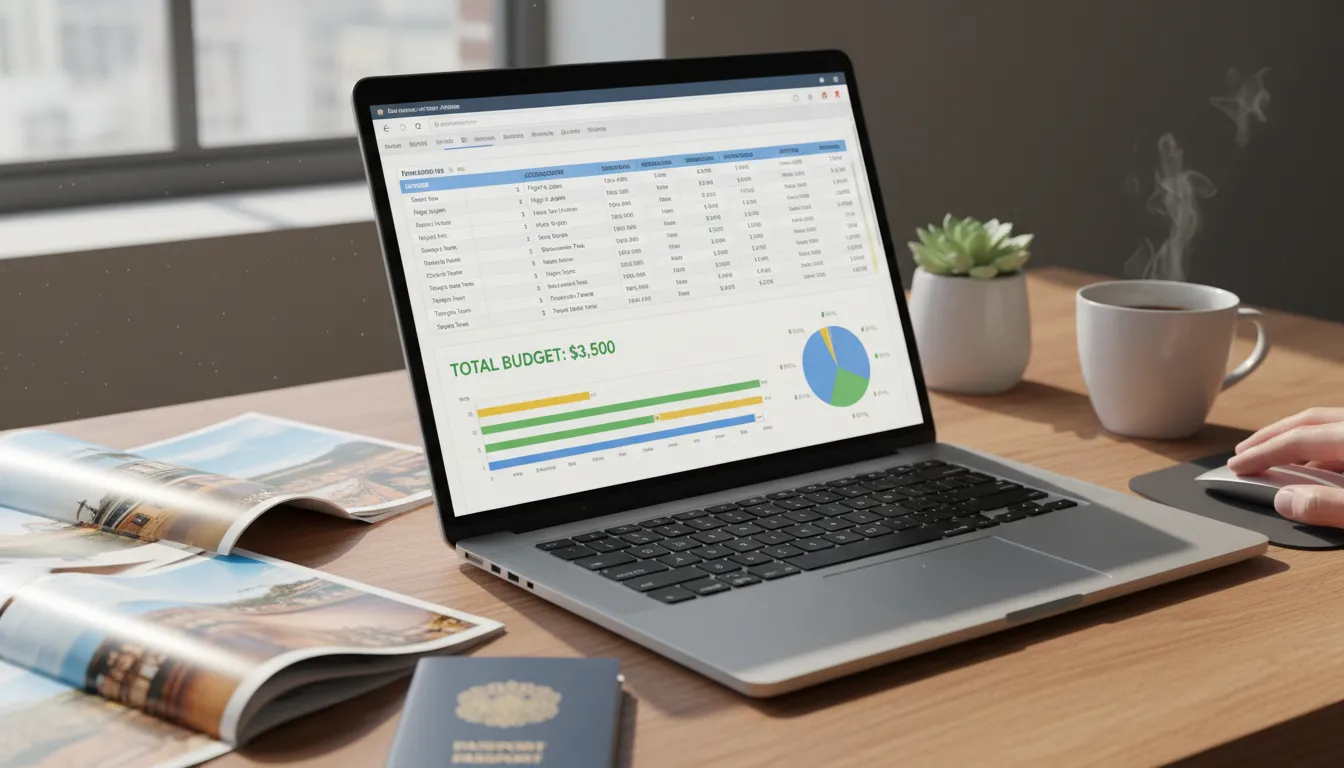
This comprehensive guide reveals exactly how to build, customize, and maintain a powerful digital spreadsheet for trip expenses. You will learn expert tracking strategies, explore top templates, avoid costly financial mistakes, and ensure your next vacation stays perfectly within your financial limits.
A Travel Budget Plan Google Sheets template is one of the easiest ways to organize your trip expenses and avoid overspending. With Google Sheets, you can create a simple, flexible budget that updates automatically as you add costs. Start by listing key categories like transportation, accommodation, food, activities, and miscellaneous expenses. Then, set an estimated budget for each category and track your actual spending during the trip. You can also use formulas to calculate totals, remaining balance, and daily spending limits, helping you stay on track. Many travelers include a separate sheet for emergency funds or currency conversion when visiting places like Barcelona or Bangkok. For better organization, add columns for dates, payment methods, and notes. This not only keeps your finances clear but also helps you analyze your travel spending later. A well-structured Google Sheets budget plan ensures smarter financial decisions and a stress-free travel experience.
Why You Need a Digital Spreadsheet for Vacations
Every great adventure starts with solid financial groundwork. Relying on mental math or scattered receipts almost guarantees you will overspend. By centralizing your finances in a digital environment, you gain complete visibility over every dollar leaving your bank account.
A travel budget plan Google Sheet gives you real-time access to your financial health from any device. Whether you are sipping coffee at an airport terminal or booking a hotel from your couch, you can instantly update your numbers. Unlike static paper journals, cloud-based spreadsheets allow multiple people to collaborate simultaneously. This means families or groups of friends can input their shared costs, split bills fairly, and maintain total transparency throughout the journey.
Furthermore, utilizing a spreadsheet lets you harness the power of automated formulas. You no longer have to manually calculate currency conversions or percentage breakdowns. The software does the heavy lifting, allowing you to focus on enjoying your destination rather than worrying about your wallet. When you integrate your spreadsheet with other tools like trip itinerary planning guides, you create a holistic command center for your entire vacation.
Core Components of a Successful Financial Tracker
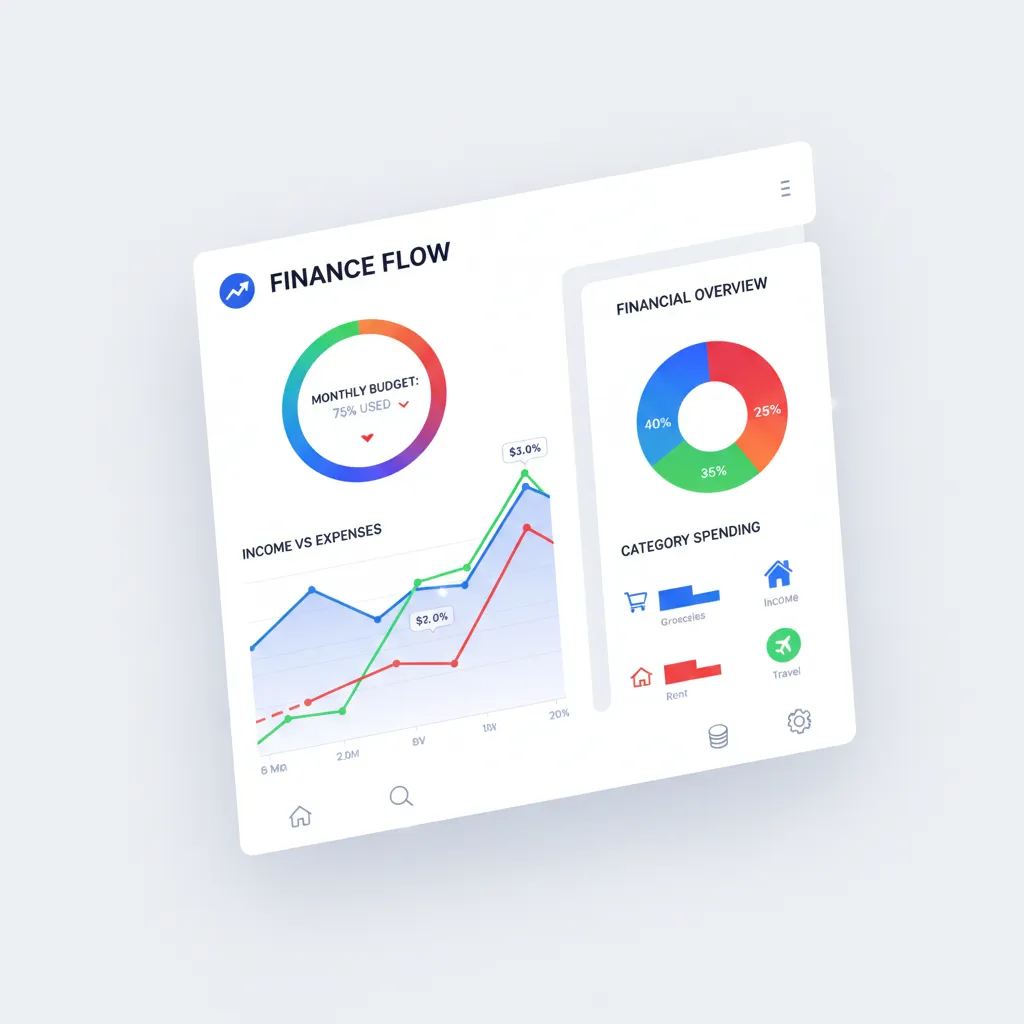
To build a document that actually serves your needs, you must include specific foundational elements. A poorly structured spreadsheet will only cause confusion. Ensure your layout features these essential categories.
Pre-Trip Expenses
Your spending begins long before you arrive at your destination. This section should capture everything you buy ahead of time. Include rows for flights, visa application fees, travel insurance, luggage purchases, and necessary vaccines. Documenting these early costs prevents you from experiencing sticker shock before the vacation even starts.
Transportation Costs

Getting around your destination can quickly eat into your funds. Create detailed line items for rental cars, fuel, public transit passes, ride-share services, and domestic train tickets. It helps to estimate these costs by researching local transportation networks through authoritative resources like Nomadic Matt, which offers excellent insights into regional travel costs.
Accommodation Tracking
Lodging is often the most significant expense of any trip. Your spreadsheet should break down the nightly rate, applicable taxes, resort fees, and cleaning surcharges. If you are hopping between multiple cities, organize this section by date to mirror your itinerary perfectly.
Daily Living and Entertainment

This is where many travelers lose control of their finances. Divide your daily costs into subcategories: meals out, groceries, alcoholic beverages, museum entrance fees, guided tours, and souvenirs. Setting a daily limit for these categories keeps your spending grounded.
Step-by-Step Guide to Building Your Custom Template
Creating your own tracker from scratch gives you ultimate control over how your data is displayed. Follow these exact steps to build a functional and aesthetically pleasing spreadsheet.
Step 1: Establish Your Baseline and Goals
Open a blank document and create a prominent section at the very top for your total available funds. This is your absolute maximum spending limit. Below this, create a cell for “Total Spent” and another for “Remaining Balance.” Use a simple subtraction formula so the remaining balance updates automatically as you input new expenses.
Step 2: Set Up Your Expense Columns
Create headers for your main data entry area. The most effective columns include: Date, Item Description, Category, Estimated Cost, Actual Cost, and Difference. This layout allows you to see exactly where your projections matched reality and where you need to adjust your expectations for future trips.
Step 3: Implement Drop-Down Menus
To keep your data clean and easy to read, use the Data Validation feature to create drop-down menus for your categories. Go to Data > Data Validation > Add Rule, and input your categories (e.g., Food, Transport, Lodging). This ensures consistency, which is vital if you want to generate pie charts later.
Step 4: Automate Currency Conversions
If you are traveling internationally, fluctuating exchange rates can complicate your math. You can use the GOOGLEFINANCE formula to fetch real-time exchange rates. For example, typing =A2*GOOGLEFINANCE("CURRENCY:USDGBP") will automatically convert your US dollars to British Pounds based on the current market rate. This is a game-changer for international travel logistics.
Step 5: Add Visual Dashboards
Numbers can blur together after a while. Highlight your main data block and insert a chart to visualize your spending. A pie chart showing expenses by category instantly reveals if you are spending too much on dining compared to sightseeing.
Comparing the Best Pre-Made Templates
If you prefer not to build a document from scratch, numerous free and premium templates are available online. Here is a comparison of popular options to help you choose the right fit.
|
Template Source |
Best Feature |
Complexity Level |
Ideal User |
|---|---|---|---|
|
Google Workspace Gallery |
Built-in integration with Google ecosystem |
Beginner |
First-time planners wanting a clean, simple layout |
|
TheGoodocs |
Highly visual, color-coded dashboard designs |
Intermediate |
Travelers who want aesthetic, printable formats |
|
Etsy Premium Templates |
Advanced dashboards, packing list sync, multiple currencies |
Advanced |
Long-term travelers or large groups needing deep detail |
|
Reddit Community Builds |
Tested and refined by real travelers |
Varies |
Budget backpackers looking for practical, real-world setups |
Choosing a template depends entirely on your personal style. If you are managing family vacation savings, you might want a more advanced premium template that allows you to track spending per family member.
Common Mistakes to Avoid When Tracking Trip Expenses
Even the most organized travelers can fall into financial traps. Protect your wallet by avoiding these frequent missteps.
Forgetting Hidden Fees
A hotel room listed at $150 a night rarely costs exactly $150. Taxes, city fees, and resort charges can inflate the price by twenty percent. Always budget for the final checkout price, not the advertised nightly rate.
Ignoring Small Cash Purchases
Tipping a bellhop, grabbing a bottle of water, or paying a small toll often happens in cash. Because there is no digital trail, these expenses frequently go unrecorded. Over a two-week trip, these forgotten five-dollar purchases can add up to hundreds of dollars. Add a “Petty Cash” row to your spreadsheet and deduct from it whenever you hit the ATM.
Failing to Update Daily
Waiting until the end of your trip to input your receipts is a recipe for disaster. The longer you wait, the more likely you are to lose receipts or forget what a specific charge was for. Dedicate five minutes every evening to log the day’s expenses. It is a small habit that guarantees accuracy.
Setting Unrealistic Limits
Creating a restrictive budget that allows zero room for spontaneity will only make you miserable. Vacations are meant to be enjoyed. Research realistic costs using platforms like Consumer Reports or travel forums, and build a ten to fifteen percent buffer into your total goal for unexpected treats or emergencies.
Pro Tips and Expert Insights for Financial Travel Planning
Taking your spreadsheet skills to the next level requires a few insider strategies. Here is how financial experts optimize their travel documents.
Use Conditional Formatting for Alerts
You can set your spreadsheet to visually warn you when you are approaching your limit. Highlight your “Remaining Balance” cell, select Format > Conditional Formatting, and create a rule that turns the cell red if the value drops below a certain number. This creates an immediate visual cue to slow down your spending.
Sync with Mobile Offline Mode
Internet access is not always guaranteed when traveling abroad. Before you leave, enable “Available Offline” for your document in the Google Drive mobile app. This ensures you can log your lunch expense while sitting in a remote cafe without a Wi-Fi connection. The file will automatically sync to the cloud the next time you connect to a network.
Separate Paid vs. Pending Expenses
Sometimes you book a tour months in advance, but the company does not charge your card until the day of the event. Add a checkbox column titled “Paid” to differentiate between money that has actually left your account and money you still owe. This clarifies your true cash flow and prevents overdrafts.
Enhancing Your Spreadsheet with Advanced Integrations
Once you master the basics, you can turn your document into a comprehensive travel companion. Many travelers expand their financial documents to include auxiliary information, ensuring everything resides in one accessible location.
Consider adding a separate tab for your daily itinerary. You can link specific activities on your itinerary tab directly to the cost rows on your financial tab. Additionally, adding a packing list tab with progress bars helps you track items you need to buy before you leave. By consolidating your solo travel expenses, packing lists, and schedules, you eliminate the need to juggle multiple apps during your vacation.
Expert financial planners also recommend using the spreadsheet to track credit card rewards. If you are utilizing travel hacking strategies—which you can read more about on sites like NerdWallet—you can create a column to track which purchases were made with which card to maximize your points and miles.
Conclusion
Taking control of your finances transforms how you experience the world. By diligently using a travel budget plan Google Sheet, you eliminate financial anxiety, avoid hidden traps, and gain crystal-clear visibility into your spending habits. Do not let money stress ruin your next adventure. Open a blank spreadsheet today, map out your upcoming costs, and take the first step toward a perfectly planned, stress-free vacation.
FAQs
What is the best way to categorize expenses in my spreadsheet?
The most effective method is to use broad categories like Transportation, Accommodation, Food & Dining, Activities, and Pre-Trip Expenses. Avoid creating too many micro-categories, as this makes tracking tedious. You can always use a “Notes” column to add specific details about a purchase.
Can I use Google Sheets without an internet connection while traveling?
Yes. You can enable offline access through the Google Drive mobile app or browser extension before your trip. You can view and edit your spreadsheet without Wi-Fi, and the document will automatically sync all changes to the cloud the moment your device reconnects to the internet.
How do I automatically convert foreign currencies in my spreadsheet?
You can use the built-in GOOGLEFINANCE formula. By typing =A1*GOOGLEFINANCE("CURRENCY:USDGBP") (replacing USD and GBP with your relevant currency codes), The software will fetch the current exchange rate and calculate the exact cost in your home currency automatically.
Should I track every single coffee and small cash purchase?
Yes, small purchases are the most common reason travelers exceed their financial limits. If tracking every coffee feels too tedious, withdraw a set amount of cash, log that total withdrawal as “Petty Cash” in your spreadsheet, and spend from that finite pool without tracking the individual micro-transactions.
How much of a buffer should I build into my financial plan?
Financial experts highly recommend adding a 10% to 15% emergency buffer to your total expected costs. This safety net covers unexpected price surges, emergency transportation, medical needs, or spontaneous activities you discover once you arrive at your destination.
Are pre-made templates better than building my own from scratch?
Pre-made templates save time and often include complex formulas and attractive dashboards you might not know how to build. However, building your own ensures the document matches your specific brain and tracking style. Beginners often benefit from starting with a free template and customizing it over time.
How can I share my spreadsheet with my travel companions?
Click the “Share” button in the top right corner of your document. You can input your companions’ email addresses and give them “Editor” access. This allows everyone to input their own expenses, making it incredibly easy to split group costs and see who owes whom at the end of the trip.
What is the easiest way to log expenses while on the go?
Download the mobile app to your smartphone and place a shortcut widget directly on your home screen. This allows you to open the document with one tap. Log the expense the moment you receive the receipt, before you even leave the restaurant or ticket counter.
How do I account for credit card foreign transaction fees?
If your credit card charges a foreign transaction fee (usually around 3%), you must account for this in your tracking. You can either add a specific column that calculates a 3% addition to every international purchase, or log the fee as a separate line item once it posts to your bank account.
Can I link my bank account directly to my spreadsheet?
Google Sheets does not natively connect to bank accounts for automatic import due to security reasons. However, you can use third-party financial tools or add-ons that export bank data into CSV format, which you can then easily copy and paste into your customized document.



Leave a Reply