

Digital mapping completely transformed how travelers explore the world. Instead of wrestling with oversized paper maps that tear at the folds, modern explorers use intuitive software to visualize their entire journey clearly. These powerful platforms give you the confidence to navigate complex highway systems and remote backcountry roads alike.
This comprehensive guide explores the top digital tools available for route planning today. You will uncover a step-by-step mapping process, compare top platforms like Google Maps, and review expert navigation tips. By mastering these strategies, you will avoid common itinerary mistakes before starting your next exciting outdoor adventure.
Understanding Trip Mapping Tools
A reliable mapping tool acts as your personal travel assistant right in your pocket. These applications calculate fuel expenses, highlight scenic detours, and flag potential road closures before you even start the engine. Before you book your rental car, understanding how these applications function will save you hours of frustration on the road.
These digital platforms use global positioning system technology to provide real-time data, accurate traffic updates, and precise distance calculations. They sync effortlessly across your various devices. This synchronization means you can plan intricate details on a desktop computer at home and navigate seamlessly using your smartphone on the highway.
Step-by-Step Guide: How to Create a Trip Map Online
Step 1: Define Your Starting Point and Final Destination
Open your preferred mapping software on your computer or phone. Input your home address or the specific airport where you plan to land. Next, enter your final destination. This simple action establishes the baseline for your entire trip and provides an initial overview of the journey ahead.
Step 2: Add Major Stops and Attractions
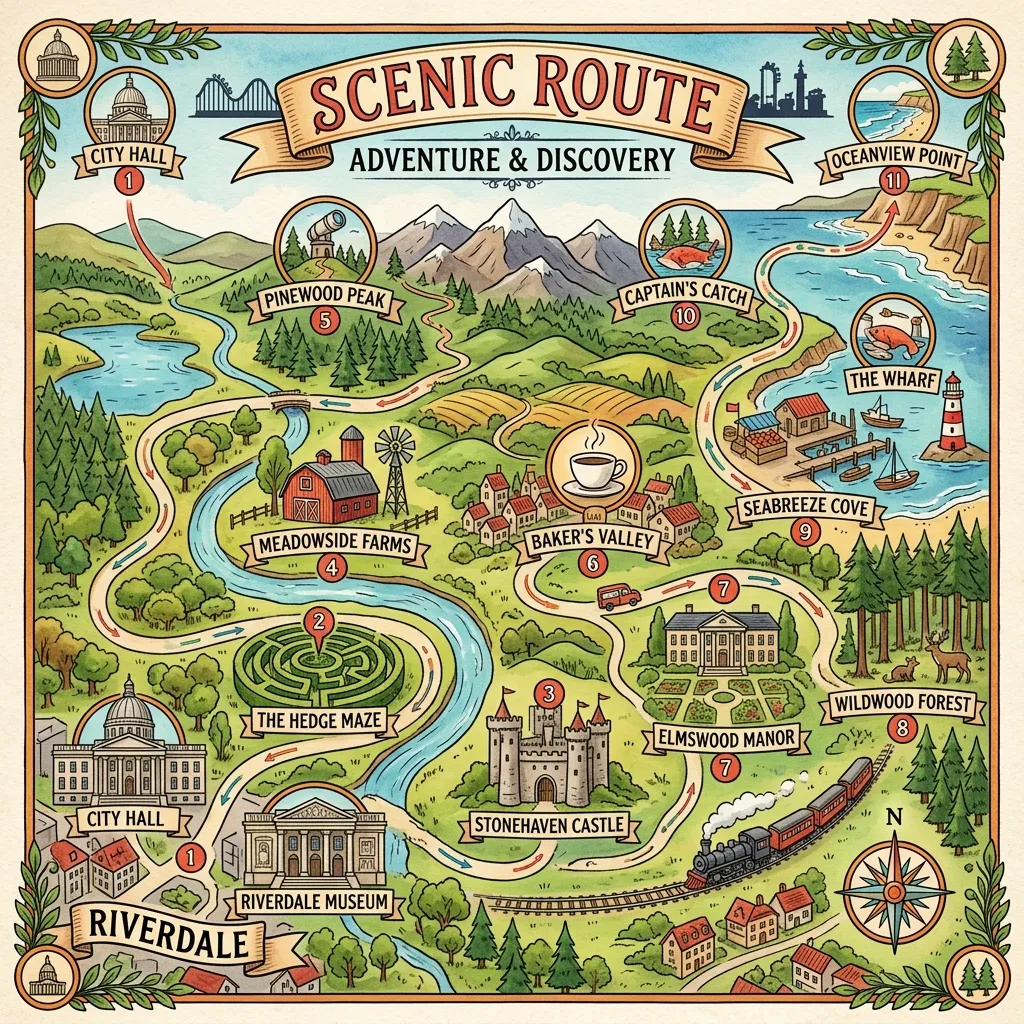
Break your long journey into manageable, bite-sized segments. If you plan to visit a major historical landmark or a National Park Service site, add it directly as a waypoint. Most modern platforms allow you to drag and drop these individual stops to reorder your route logically.
Step 3: Discover Hidden Gems Along the Route
Use the “explore” or “search nearby” features built into the map. Look closely for highly-rated local restaurants, unusual roadside attractions, or breathtaking scenic viewpoints. Adding these spontaneous stops effectively breaks up long driving stretches and makes the journey significantly more memorable.
Step 4: Calculate Driving Times and Distances
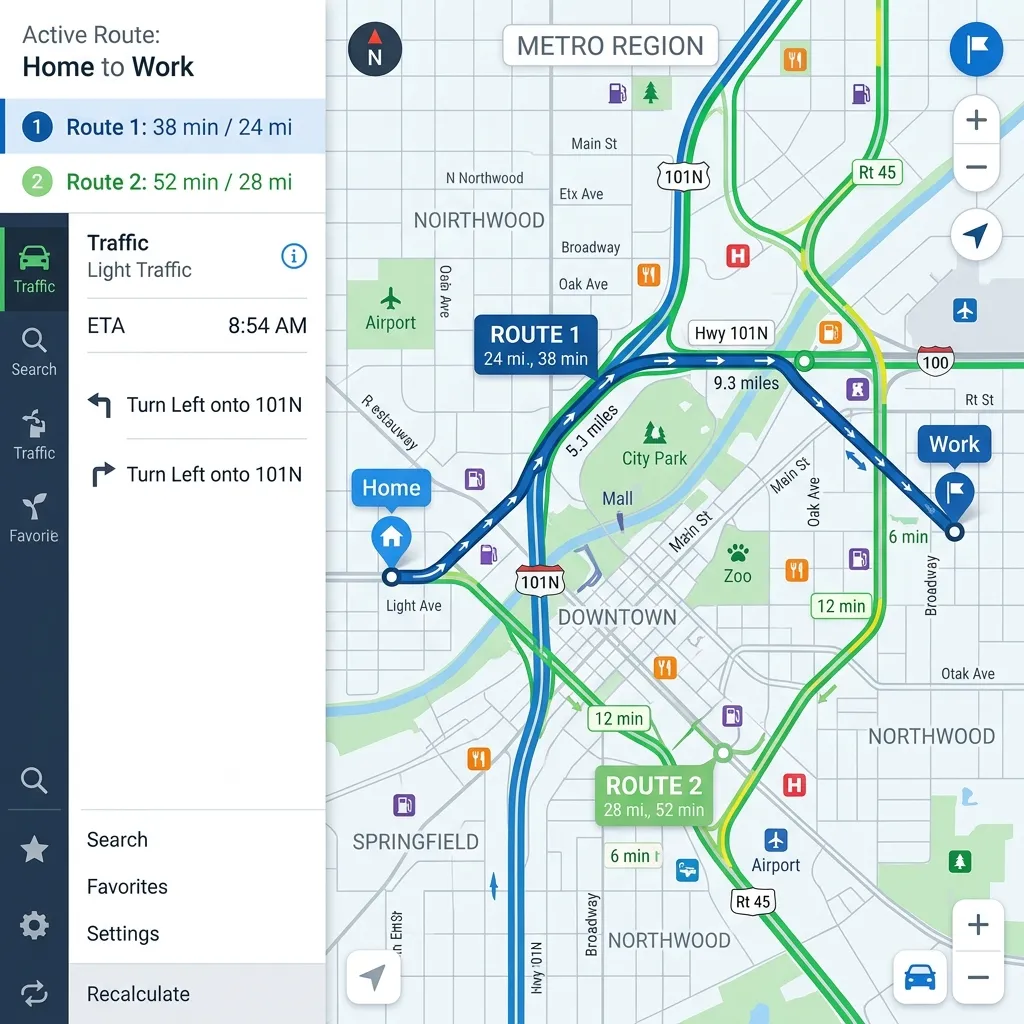
Review the total driving time the application calculates for you. Ensure you cap your daily driving hours to avoid dangerous driver fatigue. If a specific segment takes more than eight hours, find a logical midway point to book a comfortable hotel or an accessible campsite.
Step 5: Save and Share Your Itinerary
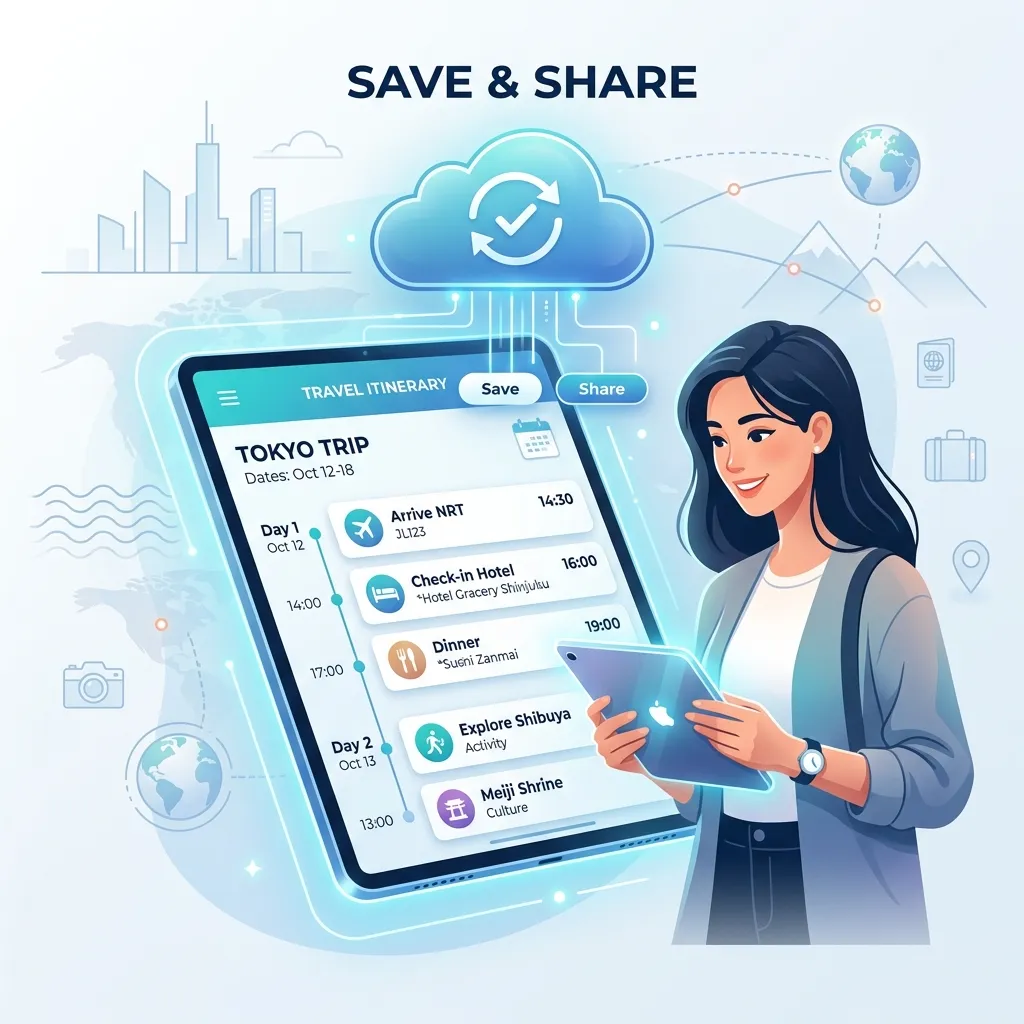
Once your custom route looks perfect, save the map directly to your user account. Share the generated link with your travel companions. This step ensures everyone accesses the exact same itinerary on their own devices.
Comparison of Top Online Mapping Platforms
Choosing the right software dictates how smoothly your entire planning process goes. Here is a breakdown of the most popular options available to travelers.
|
Platform |
Best For |
Key Features |
Pricing |
|---|---|---|---|
|
Google Maps |
General navigation and quick routing |
Offline maps, real-time traffic, robust business reviews |
Free |
|
Roadtrippers |
Epic cross-country road trips |
Fuel estimation, quirky roadside attractions finder |
Free basic / Paid premium |
|
Wanderlog |
Complex, multi-day itineraries |
Expense tracking, flight integration, shared collaboration |
Free / Paid premium |
|
MapQuest |
Traditional point-to-point routing |
Toll calculations, straightforward interface |
Free |
Google Maps remains the undisputed industry standard for most daily driving needs. However, niche applications like Roadtrippers offer superior tools for RV owners and dedicated road trip enthusiasts. Choose the specific tool that best aligns with your unique vacation style.
Expert Tips and Pro Insights for Route Planning
Mastering travel navigation requires more than typing basic addresses into a search bar. Travel experts use specific strategies to optimize their complex routes.
- Download Offline Maps: Cell service vanishes rapidly in rural areas and deep inside national parks. Always download your specific route for offline use before leaving your hotel’s stable Wi-Fi connection.
- Color-Code Your Pins: If your chosen platform allows icon customization, use different colors for hotels, restaurants, and outdoor activities. This clear visual hierarchy makes reading the complex map instantly easier.
- Check Real-Time Weather: A perfect driving route becomes highly dangerous during a sudden storm. Cross-reference your planned itinerary with local weather forecasts and actively prepare backup routes.
- Layer Your Maps: Advanced software users create different map layers for different days of the trip. This smart organization prevents the main screen from becoming unreadable with overlapping points of interest.
Common Mistakes to Avoid When Mapping Your Trip
Even highly seasoned travelers occasionally make critical errors during the early planning phase.
First, many people aggressively overpack their daily schedule. Pinning twenty different locations for a single afternoon guarantees exhaustion. Prioritize just two or three major activities per day to allow ample time for spontaneous detours and necessary rest breaks.
Second, travelers often ignore massive elevation changes and obscure road types. A fifty-mile drive on a flat interstate highway takes less than an hour. However, fifty miles on winding mountain dirt roads easily consumes half your day. Always check the terrain layer on your map before finalizing the route.
Finally, do not forget to account for crossing time zones. Time zone changes easily throw off your hotel check-in times and strict restaurant reservations.
Conclusion
You now possess the exact knowledge required to build an absolutely unforgettable travel itinerary. Grab your favorite digital tools, plot those dream destinations carefully, and start exploring the globe with confidence. Ready to organize every single detail of your entire vacation? Download our free travel planner and turn those ambitious travel goals into an exciting reality right now. Happy travels!
FAQs
1. Do I need to pay to create a trip map online?
No. Many incredibly powerful tools, including Google Maps and the basic version of Wanderlog, remain completely free to use for standard route planning.
2. Can I use my online map without cellular data?
Yes, provided you actively download the specific map area for offline use before you lose cell service. Most major navigation apps feature an offline download option directly in their main settings menu.
3. How many stops can I add to Google Maps?
Google Maps currently limits users to exactly 10 stops per standard route. If you need more waypoints for a complex journey, you must create a custom map using the Google My Maps platform.
4. What is the best app for finding RV-safe routes?
RV Life and similar specialized GPS apps offer customized routing that actively avoids low bridges and extremely steep grades. Standard applications often route massive vehicles onto narrow roads heavily unsafe for large rigs.
5. Can I collaborate with friends on the same map?
Yes. Collaboration platforms like Wanderlog and Google My Maps allow you to share full edit access with all your travel companions, letting everyone seamlessly add their preferred stops.
6. How do I calculate fuel costs for my route?
Apps like Roadtrippers feature highly accurate built-in fuel estimators. You simply input your specific vehicle’s average MPG, and the app calculates the approximate total cost based on current national gas prices.
7. Does my trip map update around road closures?
Standard navigation apps push real-time updates for major accidents and sudden closures only if you maintain an active data connection. Downloaded offline maps do not update dynamically.
8. Can I import flight and hotel reservations into my map?
Certain travel-specific platforms integrate directly with your personal email account to pull in reservation data and drop those exact locations onto your visual itinerary automatically.
9. How do I avoid toll roads when mapping my trip?
Every major routing application features an explicit “avoid tolls” toggle located in its route options or main settings menu. Select this toggle before finalizing your driving directions.
10. Can I print my digital map as a physical backup?
Yes. Most desktop mapping websites offer a dedicated print function that generates written turn-by-turn directions alongside a clear visual overview of your entire journey.



Leave a Reply