

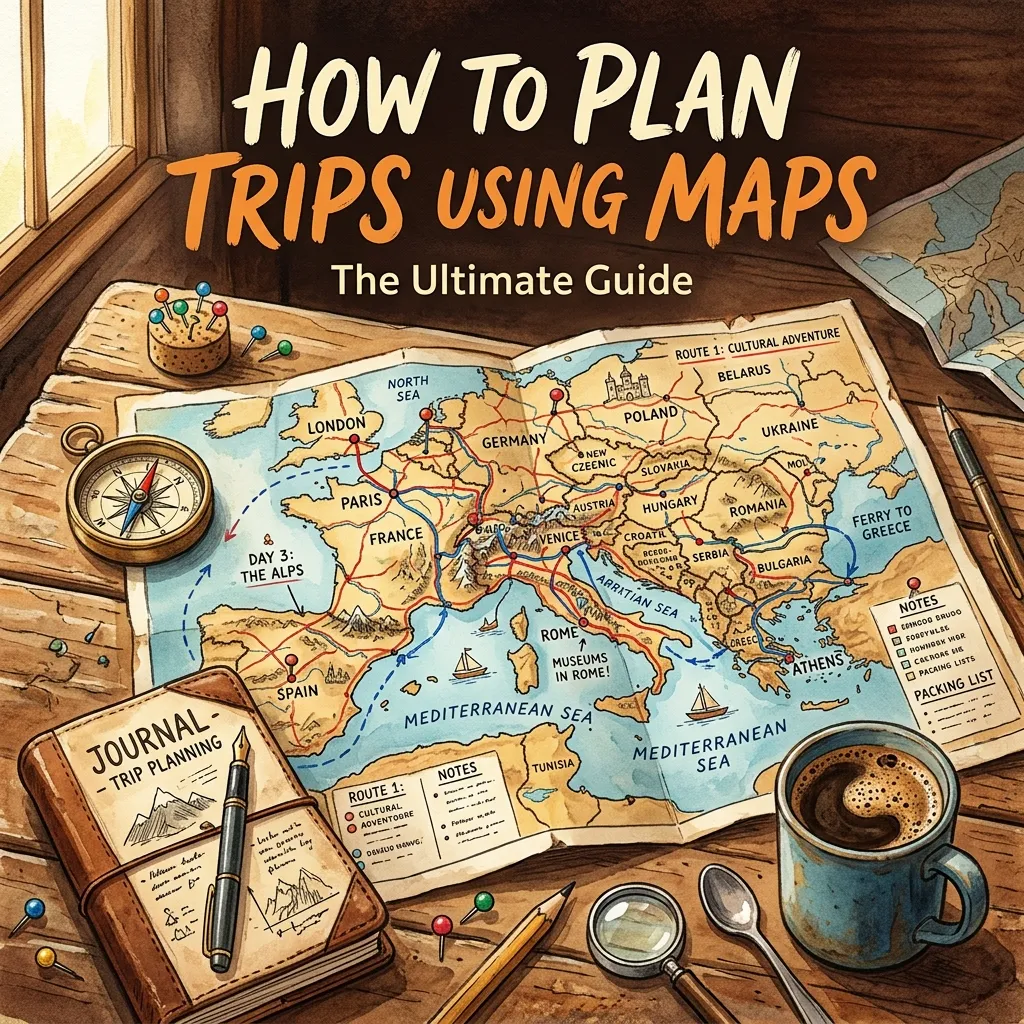
Struggling to build the perfect travel itinerary? Learning how to plan trips using maps transforms chaotic vacations into seamless, unforgettable adventures. Let us explore the best navigation strategies today.
This comprehensive guide reveals exactly how to build dynamic itineraries, avoid dead ends, and optimize travel time. You will discover advanced routing techniques, custom layering options, and offline preparation steps. Master these essential skills to guarantee a smooth, stress-free journey every single time.
Why You Must Know How to Plan Trips Using Maps
Modern travel demands precision. Relying solely on mental notes or scattered lists often leads to missed attractions, excessive fuel consumption, and unnecessary travel fatigue. When you understand how to plan trips using maps, you take complete control over your vacation. Visualizing your route allows you to identify logical sequences, spot hidden gems along your path, and prevent exhausting detours.
Mastering a custom trip planner tool gives you a dynamic, living document. Instead of a static list, you gain an interactive canvas where you can drag and drop destinations, calculate precise travel times, and adjust for unexpected roadblocks. This visual approach ensures you group nearby attractions logically, saving hours of unnecessary driving.
Furthermore, digital mapping tools offer real-time data. You can anticipate traffic patterns, locate essential services, and adapt instantly. Whether you navigate busy urban centers or explore remote countryside trails, visual routing keeps your journey efficient and enjoyable.
Choosing the Right Digital Mapping Tool
Before building your road trip itinerary, you must select the appropriate software. Not all digital maps offer the same features, and picking the right one depends entirely on your travel style.
Google Maps
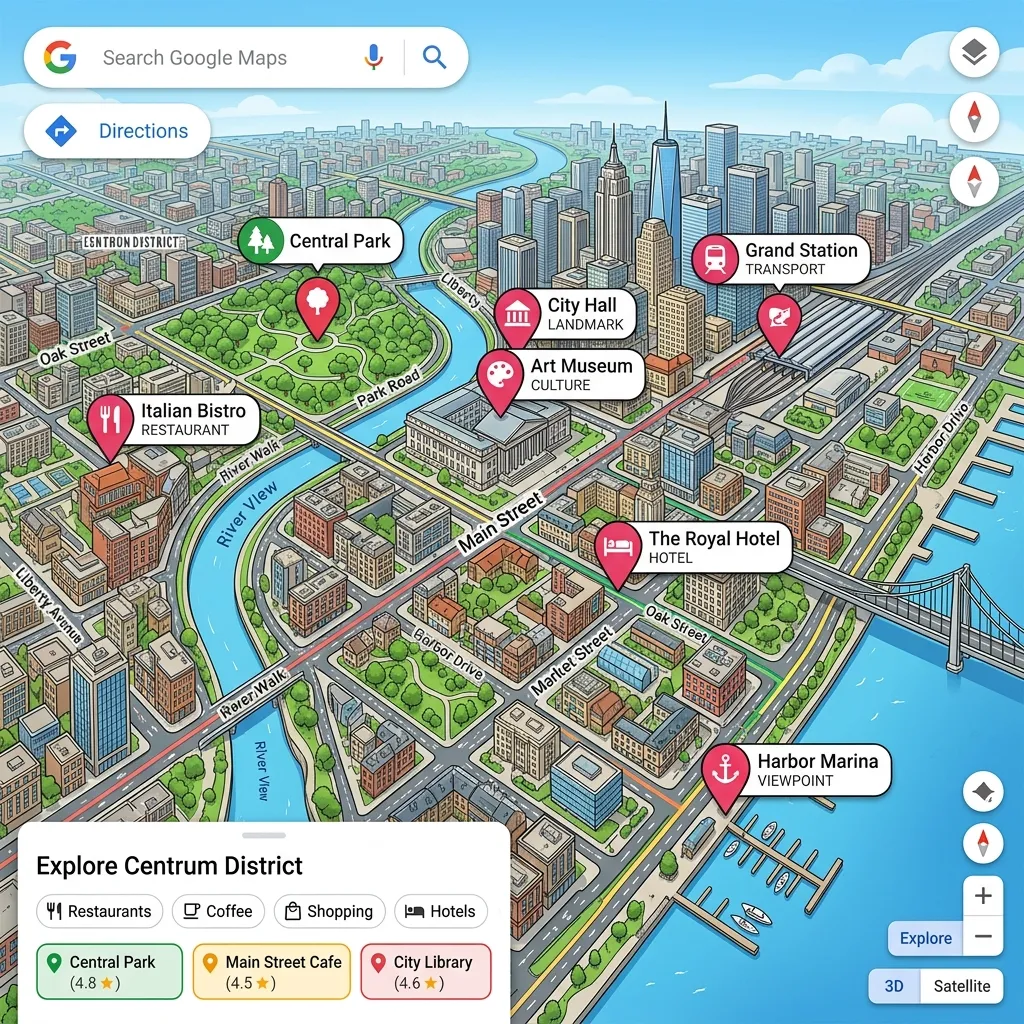
Google Maps remains the undisputed king of everyday travel. It offers unparalleled local business data, real-time traffic updates, and reliable estimated arrival times. Its “My Maps” feature allows you to build custom layers, drop colored pins, and share your itinerary seamlessly with travel companions. For most users, this platform provides everything necessary to execute a flawless vacation.
Roadtrippers

If you focus primarily on driving holidays, Roadtrippers excels at finding unique stops. This platform calculates fuel costs and highlights roadside attractions, scenic points, and historical markers located within a specific radius of your main route. It turns a boring highway drive into an exciting exploration.
AllTrails and Gaia GPS
For outdoor enthusiasts, standard highway apps fall short. You need topographic data and trail conditions. Gaia GPS and AllTrails provide essential topographical layers, elevation profiles, and offline tracking. You should always consult National Park Service maps to cross-reference official boundaries and seasonal closures.
Map Tool Comparison
|
Feature |
Google Maps |
Roadtrippers |
Gaia GPS |
|---|---|---|---|
|
Best For |
General travel and city navigation |
Long highway drives and roadside stops |
Hiking, off-roading, and remote camping |
|
Offline Capabilities |
Yes (Downloadable areas) |
Yes (Premium version) |
Yes (Highly detailed topographic offline) |
|
Custom Layers |
Yes (Via Google My Maps) |
Limited to route waypoints |
Extensive mapping overlays |
|
Real-Time Traffic |
Excellent |
Average |
Not applicable |
|
Cost |
Free |
Freemium |
Freemium |
Step-by-Step Guide: Building Your Core Route
Creating a master plan requires a structured approach. Follow these precise steps to build a bulletproof itinerary.
Step 1: Pinpointing Anchors and Must-See Destinations
Start by opening your map and dropping pins on your non-negotiable stops. We call these your anchor points. These include your booked hotels, primary tourist attractions, and major transportation hubs like airports or train stations. Do not worry about the order yet. Just get them onto the visual canvas. Seeing your anchors plotted out gives you a realistic sense of the geographical spread of your trip.
Step 2: Optimizing Your Waypoint Sequencing
Once you plot your anchors, you must group them logically. Waypoint sequencing prevents you from zigzagging across a city or state. Group attractions that sit within the same neighborhood or along the same highway corridor. Dedicate specific days to specific zones. For example, if you visit Rome, group the Colosseum, Palatine Hill, and Roman Forum onto one day’s map layer, rather than bouncing between the Vatican and the Colosseum in a single afternoon.
Step 3: Calculating Distances and Realistic Drive Times
Maps calculate perfect scenarios, but real life includes traffic, weather, and rest stops. When you map out the driving distance between two points, always add a 20% buffer to the estimated time. This buffer absorbs the impact of unexpected delays. Use the departure time feature to see typical traffic patterns for the exact hour you plan to drive.
Step 4: Factoring in Pit Stops, Fuel, and Food
Long stretches of highway require strategic planning. Zoom in on your route and identify logical places to stop for fuel and meals. Dropping pins at highly-rated local restaurants prevents you from settling for mediocre fast food out of desperation. If you drive an electric vehicle, mapping your charging stations in advance is an absolute necessity to avoid range anxiety.
Advanced Customization: Adding Layers and Color Coding
To elevate your planning, utilize advanced features like layering and color coding. When you use tools like Google My Maps, you can separate your trip into distinct categories.
Create a layer for lodging, a layer for food, a layer for activities, and a layer for transportation. Assign a specific color and icon to each layer. Make your hotels blue beds, your restaurants yellow forks, and your hiking trails green trees. This visual organization allows you to glance at your screen and instantly understand your options.
If Tuesday’s plan finishes early, you can simply open your map, look for nearby yellow pins, and instantly know where to grab a great dinner without frantic last-minute research. This route optimization turns you into a master traveler who always knows the next best move.
Common Mistakes to Avoid When Routing Your Vacation
Even experienced travelers make errors during the planning phase. Avoid these frequent pitfalls to keep your trip on track.
- Overpacking the Schedule: The most common mistake involves adding too many stops. Maps make distances look small. Realize that a three-hour drive takes energy. Limit your major daily destinations to two or three.
- Ignoring Topography: A fifty-mile drive on a flat interstate takes under an hour. A fifty-mile drive through twisting mountain switchbacks can take three hours. Always check the terrain.
- Forgetting Time Zones: Crossing borders often means changing time zones. If you map a route that crosses a time zone, ensure you account for the lost or gained hour, especially if you have strict reservation times.
- Relying Solely on the Internet: Assuming you will always have cell service guarantees a stressful situation. Dead zones exist everywhere.
Expert Insights and Pro Tips for Map Mastery
To truly conquer your travel plans, implement these professional strategies.
Share your digital map with your travel companions well before departure. Collaborative mapping ensures everyone gets a say in the itinerary, which prevents arguments on the road. Allow your friends or family to drop their own pins for places they wish to see.
Use the street view function to pre-scout locations. Drop the little yellow figure onto the map outside your hotel or a complicated intersection. Walking around virtually helps you memorize landmarks, making actual arrival significantly less confusing. This tactic works exceptionally well for locating hard-to-find parking garage entrances in crowded cities.
Cross-reference your primary map with specialized tools. For instance, check weather routing applications to ensure your planned driving day does not intersect with severe storms or dangerous heat waves.
How to Ensure Offline Accessibility in Remote Areas
Offline navigation acts as your ultimate safety net. You cannot control cellular network reliability, but you can control your preparation.
Before you leave your home Wi-Fi network, download the offline areas for your entire destination. In Google Maps, select your profile picture, tap “Offline maps,” and highlight the custom area you need. Download a wide radius that covers your main route and potential detour areas.
Keep your phone charged. Offline GPS still drains the battery rapidly. Always pack a reliable power bank and a car charger. For extreme remote travel, carrying a physical paper map remains a smart, fail-safe backup. Electronics break, batteries die, but paper always works.
Integrating Topographic and Trail Maps for Outdoor Trips
If your vacation involves national parks, deep forests, or mountain ranges, standard highway maps become dangerous. They often lack the detail required to navigate safely on foot.
Switch to topographic maps that show elevation contours. Understanding the steepness of a trail dictates how long a hike will actually take. A two-mile flat hike takes forty minutes; a two-mile hike with a two-thousand-foot elevation gain takes hours.
Utilize satellite imagery layers to spot potential hazards, water sources, and tree coverage. Combine this digital knowledge with official park guidelines to guarantee a safe and spectacular wilderness experience. By mastering these advanced mapping layers, you unlock the full potential of your outdoor adventure.
The Financial Benefits of Map-Based Planning
Interestingly, visualizing your route saves you significant money. When you plot everything visually, you eliminate backtracking. Backtracking burns expensive fuel and wastes precious vacation time.
Furthermore, you can use maps to find accommodations located just outside expensive tourist hubs but close to major transit lines. By measuring the walking distance to a subway station, you can confidently book a cheaper hotel in a quieter neighborhood, knowing you still have rapid access to the city center.
You also spot local grocery stores and markets near your lodging. Pinning these locations encourages you to buy snacks and water locally, rather than paying inflated prices at tourist attractions or hotel lobbies.
Enhancing the Daily Flow with Real-Time Adaptation
A perfectly mapped itinerary should never become a rigid prison. The beauty of knowing how to plan trips using maps lies in your ability to adapt instantly.
If a sudden rainstorm ruins your outdoor hiking plans, you simply open your master map, filter your pins for indoor museums or cafes you saved earlier, and redirect your day. Because you already vetted and pinned these locations, you do not waste time reading reviews while standing in the rain. You just tap the new pin and hit navigate.
This flexibility significantly reduces travel anxiety. You always have a curated backup plan right in your pocket.
Bringing It All Together for the Perfect Trip
Building a masterpiece itinerary takes time, but the effort pays massive dividends. By selecting the right tools, plotting your anchors carefully, sequencing your waypoints logically, and downloading your data for offline use, you transform a stressful process into a powerful advantage.
You no longer wander aimlessly. You travel with purpose, confidence, and efficiency. Visual routing removes the guesswork and replaces it with guaranteed exploration.
Start small. Open a map today and plan a simple weekend getaway in your local area. Practice layering, color-coding, and offline downloading. Once you build confidence with a small trip, you can easily scale these techniques to plan multi-week international expeditions.
Conclusion
Understanding exactly how to plan trips using maps guarantees a seamless, stress-free travel experience. By organizing routes, utilizing custom layers, and preparing offline data, you eliminate confusion and maximize your adventure. Take control of your next vacation, open your favorite digital mapping tool, and start plotting your ultimate journey today.
FAQs
What is the best app for planning a road trip with multiple stops?
Google Maps handles multiple stops efficiently for everyday use, but Roadtrippers excels for long-haul journeys. Roadtrippers specifically highlights interesting roadside attractions, calculates fuel costs, and allows you to sequence dozens of waypoints seamlessly along your main highway route.
How do I save a custom map for offline use?
In Google Maps, tap your profile icon, select “Offline maps,” and choose “Select your own map.” Zoom out to capture your entire destination area and tap download. This ensures your GPS continues working perfectly even when you lose cellular service in remote locations.
Can I share my digital trip itinerary with friends?
Yes. Most mapping platforms offer robust sharing features. Using Google My Maps, you can generate a shareable link and grant your travel companions editing permissions. This allows everyone in your group to add their favorite restaurants, museums, and hidden gems to the shared visual canvas.
How do I calculate realistic driving times between cities?
Always map your route using the exact time and day of the week you plan to travel. Maps use historical data to estimate traffic. Additionally, you should manually add a 20% time buffer to account for fuel stops, restroom breaks, and unexpected road construction delays.
Why should I color-code my map pins?
Color-coding creates instant visual clarity. By making hotels blue, restaurants yellow, and activities green, you can look at your map and immediately understand your options for a specific neighborhood. It prevents you from reading tiny labels and speeds up on-the-go decision-making.
Is it necessary to use a topographic map for hiking?
Absolutely. Standard maps do not show elevation changes or trail conditions. You need topographic apps like Gaia GPS or AllTrails to understand steepness, identify natural landmarks, and navigate safely without getting lost in the wilderness.
How can mapping my trip save me money?
Visual route planning prevents unnecessary backtracking, which saves significant fuel costs. It also helps you locate budget-friendly accommodations near public transit and identify local grocery stores, preventing you from overspending at expensive tourist traps.
What should I do if my phone dies while navigating?
You should always carry a portable power bank and a vehicle charger. However, for true fail-safe security, especially in highly remote or foreign areas, keep a physical paper map of your region in your glovebox to guarantee you can always find your way back to civilization.
How many stops should I plan for a single day?
Avoid overpacking your schedule. Limit major destinations to two or three per day. Give yourself ample time to explore each location thoroughly. Maps make distances appear small, so keeping your daily itinerary light prevents travel fatigue and burnout.
Can I use maps to avoid bad weather on a road trip?
Yes. You can cross-reference your route with live weather radar applications. If you see a major storm system sitting over your planned path, you can use your map to find alternative scenic routes or adjust your driving hours to pass through the area safely after the storm clears.



Leave a Reply