

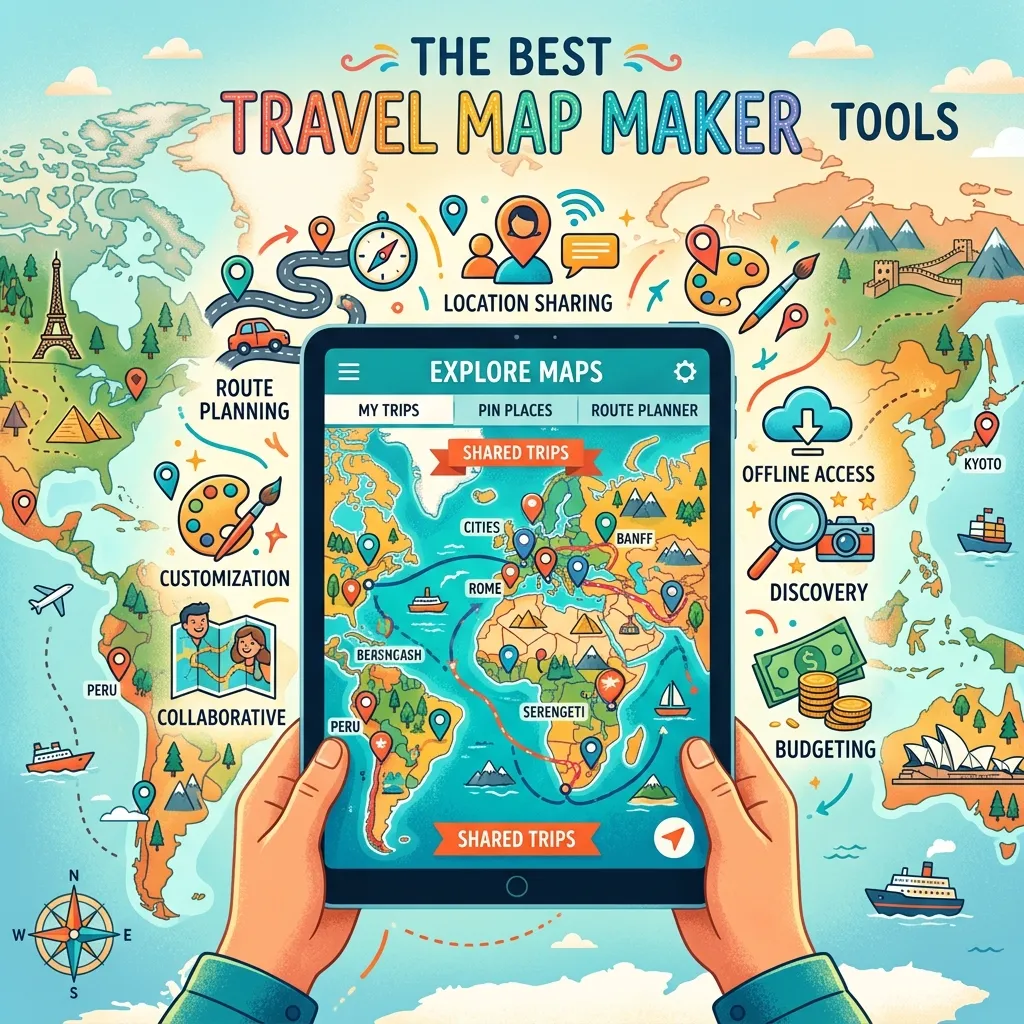
Finding the Best Travel Map Maker Tools can transform how you plan trips. These interactive platforms turn scattered notes into visual, easy-to-follow routes for any adventure.
Why You Need a Dedicated Map for Your Journey
Planning a memorable trip requires more than just booking flights and hotels. You need a reliable way to visualize your route, calculate distances, and discover nearby attractions. Using a dedicated platform to build interactive maps helps you group locations by category, such as restaurants, museums, and lodging. Instead of getting lost in a spreadsheet, you get a dynamic overview of your entire travel itinerary.
Visualizing your stops also prevents backtracking. When you plot your destinations on a grid, you instantly see the most logical path. This is especially vital for a road trip planner who needs to factor in driving times, gas stations, and scenic detours. Furthermore, many modern mapping platforms offer collaborative features, allowing friends and family to drop pins and suggest their own favorite spots.
Top Platforms for Visualizing Your Adventure
We evaluated the top software based on customization, usability, and specific travel needs. Here is an in-depth look at the top contenders.
Content2Map
Content2Map uses artificial intelligence to generate maps directly from blog posts, articles, and YouTube videos. This tool is a favorite among travel content creators and bloggers. You simply paste a URL, and the software automatically extracts the locations mentioned, dropping pins on a visual grid. These maps are highly searchable, meaning they can drive organic traffic back to your original article or video. While it currently lacks a mobile app and route drawing capabilities, its ability to automatically pull data makes it incredibly efficient for building a custom route based on online research.
Google My Maps
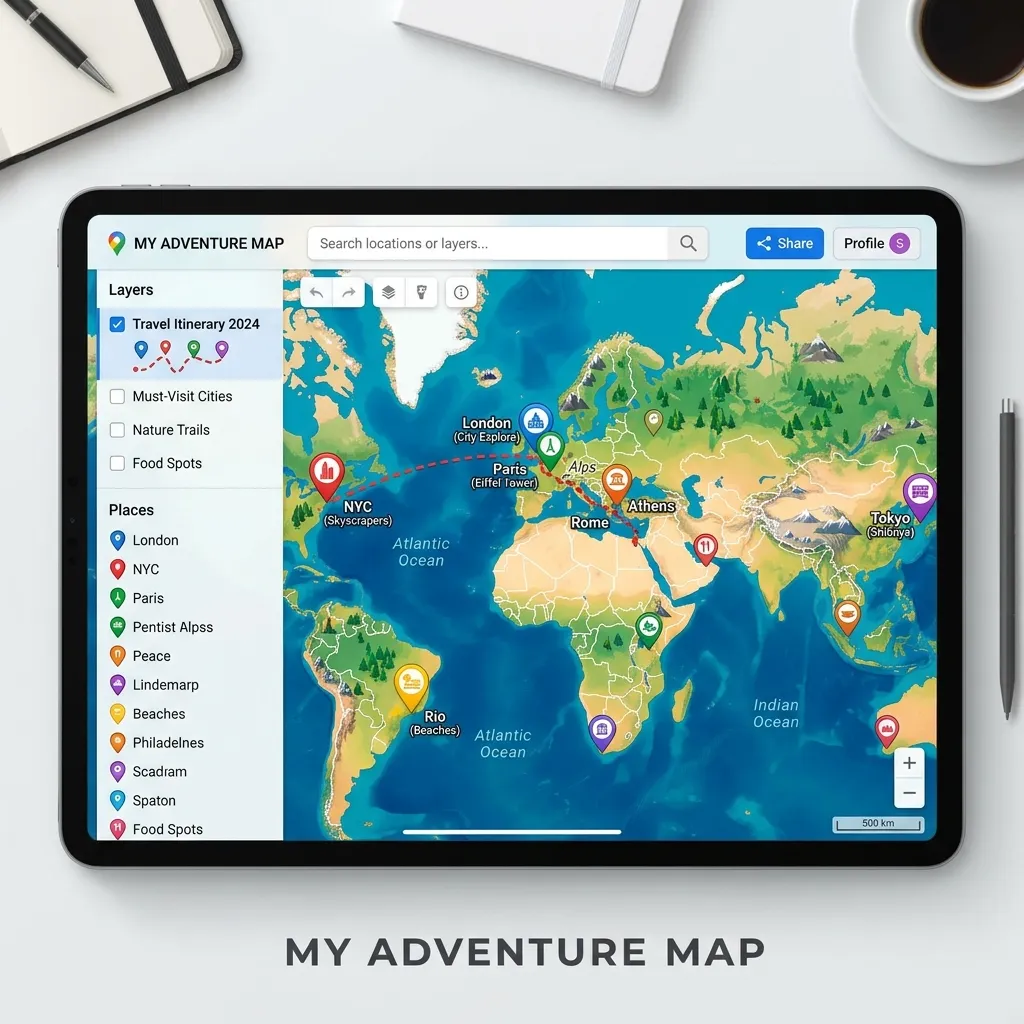
Google My Maps remains one of the most accessible and widely used free platforms available. Integrated seamlessly with your Google Drive, it allows you to build custom layers, color-code pins, and draw specific driving or walking routes. You can import data directly from spreadsheets, making it easy to map out a massive list of saved locations. While it lacks automatic location extraction and advanced trip planning AI, its reliability and zero-cost structure make it an excellent starting point for casual vacationers and students. To learn more about standard mapping capabilities, you can read about web mapping platforms on Wikipedia’s OpenStreetMap page.
Wanderlog
Wanderlog is designed as an all-in-one vacation management application. It combines mapping with budget tracking, flight reservations, and collaborative scheduling. When you add a location, Wanderlog automatically pulls in photos, descriptions, and operating hours. The app also features an AI assistant to help you discover hidden gems nearby. The platform allows you to export your final plans to navigation tools, ensuring you stay on track while driving. It is the ultimate tool for organizing a complex travel itinerary with multiple companions.
Proxi
Proxi focuses heavily on community engagement and crowdsourced recommendations. It is an excellent choice for event organizers, local tourism boards, or group travel. Proxi allows you to create a digital passport or scavenger hunt, encouraging participants to check in at various locations. You can embed these maps directly onto your website and invite locals to add their favorite hotspots. While it might not have the heavy data analysis tools of advanced GIS software, its highly visual and interactive nature makes it perfect for sharing curated lists.
Mapme
Mapme provides a no-code solution for building highly branded, media-rich maps. If you want to embed a polished, professional map on a website, Mapme offers extensive customization. You can add 3D buildings, attach PDF menus to restaurant pins, and include immersive video galleries. It includes advanced filtering so users can sort by multiple categories. Mapme is ideal for tourism boards or high-end travel agencies looking to showcase a region with premium visual storytelling.
Felt
Felt is often described as a modern, collaborative workspace for spatial data. It operates entirely in your browser and allows multiple users to edit and annotate a map simultaneously. You can draw routes, highlight specific regions, and import complex geographic datasets. While it leans slightly toward professional geographic information systems, its intuitive interface makes it accessible for planning massive expeditions or tracking environmental routes. You can explore standard geographic data principles through the USGS Geographic Information Systems resource.
Zeemaps
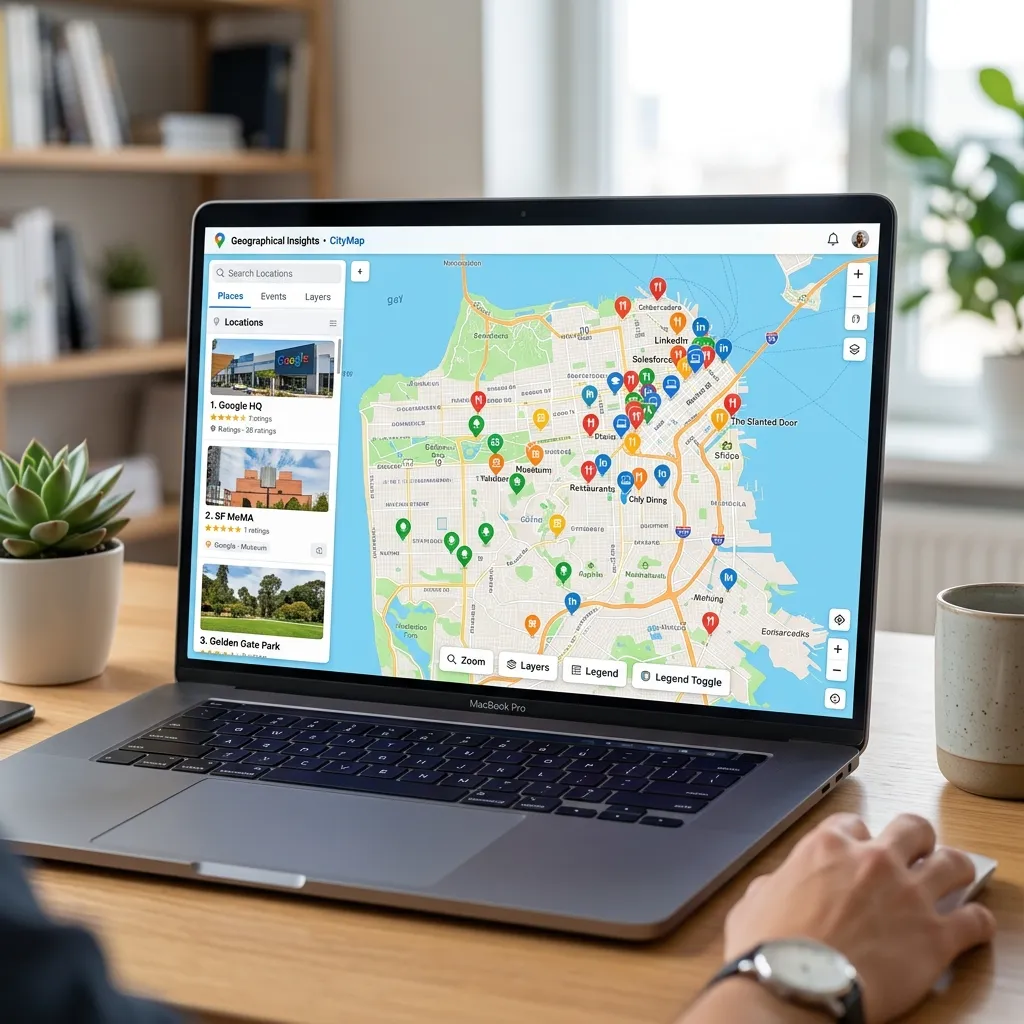
Zeemaps specializes in converting spreadsheet data into visual points quickly. If you have a massive list of addresses or coordinates saved in Excel, Zeemaps plots them instantly. It offers heat maps and radius tools, helping you see the density of attractions in a specific neighborhood. It is highly functional and straightforward, though the interface feels slightly more utilitarian than newer, highly stylized apps.
Atlist
Atlist is built specifically for users who want to embed a fast, lightweight map on a website. Built on the Google Maps ecosystem, it provides an easy way to customize marker styles without dealing with complex code. It is best suited for small business websites or personal travel blogs that need a simple visual representation of a journey without the heavy features of a full management app.
Scribble Maps

Scribble Maps offers robust drawing and annotation tools. You can sketch boundaries directly over the terrain, calculate distances, and measure specific areas. It supports various file exports and includes built-in demographic data. This makes it an excellent choice for users who need a blend of basic travel visualization and advanced spatial research.
MapHub
MapHub is a lightweight, privacy-focused alternative that does not track users or serve ads. It supports points, lines, and polygons, and allows for easy collaborative editing. It is highly functional for volunteers, community planners, or travelers who want a simple, secure way to share locations without dealing with heavy corporate ecosystems.
Step-by-Step Guide to Building Your Custom Route
Creating a functional and beautiful map does not have to be complicated. Follow these steps to build your ultimate vacation resource.
Step 1: Define Your Goals
Determine what you need from the software. Are you tracking expenses, or just looking to embed a visual on your blog? If you need budget tracking, use an app built for comprehensive management.
Step 2: Gather Your Data
Collect your flight details, hotel addresses, and must-see attractions. Save them in a simple spreadsheet or a digital notebook.
Step 3: Choose Your Platform
Select the software that aligns with your goals. For a collaborative group trip, a highly interactive and shared workspace is best.
Step 4: Import and Categorize
Upload your locations. Use distinct icons and colors for different categories. Make all food stops blue, museums red, and hotels green. This visual sorting makes the map incredibly easy to read at a glance.
Step 5: Optimize the Path
Look at the cluster of pins and arrange your daily schedule to minimize transit time. Group activities by neighborhood to save energy and transportation costs.
Step 6: Download for Offline Use
Always ensure you have access to your data without a cell signal. Export the final product to a mobile-friendly format or download it directly within the app before you leave.
Feature Comparison Table
|
Tool |
Best Feature |
Pricing Model |
Ideal User |
|---|---|---|---|
|
Content2Map |
AI URL Extraction |
Free / Premium |
Bloggers & Creators |
|
Google My Maps |
Custom Layers |
Completely Free |
Casual Travelers |
|
Wanderlog |
Full Trip Management |
Free / Subscription |
Group Planners |
|
Proxi |
Community Crowdsourcing |
Free Trial / Paid |
Event Organizers |
|
Mapme |
Rich Media Embeds |
Paid Subscription |
Tourism Agencies |
|
Felt |
Real-Time Collaboration |
Free / Premium |
Spatial Teams |
Common Mistakes to Avoid
Failing to Download Offline Maps
Relying entirely on cellular data is a massive risk, especially in remote areas or international destinations. Always save your mapped areas for offline access. The Federal Communications Commission provides great insights on preparing mobile devices for international travel to avoid roaming issues.
Adding Too Many Pins
Cluttering your view with every single coffee shop or minor landmark makes the interface unreadable. Stick to your primary destinations and keep a separate text list for minor, optional stops.
Ignoring Operating Hours
A pin on a map does not tell you if a museum is closed on Tuesdays. Always verify and note the operating hours of your destinations before finalizing your daily driving route.
Forgetting to Share Access
If you are traveling with a group, ensure everyone has the proper link and permission to view the itinerary. Keeping the plans locked on one person’s device causes confusion and delays.
Pro Expert Tips
Leverage AI for Discovery
Use platforms with integrated artificial intelligence to find attractions along your route that you might have missed during manual research. AI can suggest quick detours that enhance the journey.
Color-Code by Day
Instead of just coloring by category, try color-coding your pins based on the day of your trip. This helps you visually isolate Monday’s activities from Tuesday’s, making the daily schedule crystal clear.
Use Street View Before You Go
Drop into the street-level view around your hotel or major transit hubs. Familiarizing yourself with the actual visual landscape reduces anxiety and helps you navigate like a local upon arrival.
Integrate with Real-Time Traffic
When exporting your final route, push it to an active navigation app that monitors live traffic. A great plan can easily be derailed by unexpected road closures.
Conclusion
Choosing the Best Travel Map Maker Tools ensures your next vacation is organized, efficient, and stress-free. Whether you need a simple visual guide or a comprehensive collaborative platform, there is a tool designed perfectly for your workflow. Start organizing your dream itinerary today and take control of your travel experience.



Leave a Reply